 NexusPlay Arcade
NexusPlay Arcade
NexusPlay Arcade
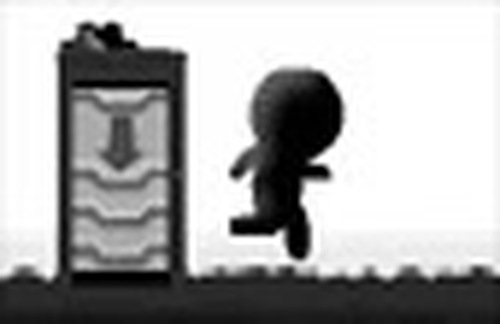
AltShift Lite provides a satisfying puzzle experience with its gravity shifting mechanic. Each level requires thoughtful planning, and the difficulty increases at a comfortable pace. The controls are responsive, and the visual style is clear and appealing. The game offers good replayability as players can experiment with different strategies to solve puzzles. It is a solid choice for anyone looking for a mental challenge without stress.
AltShift Lite is a puzzle game that challenges players to think differently. The core concept involves controlling a character who can shift gravity, changing the direction of movement and object behavior. Each level presents a unique layout with platforms, obstacles, and boxes that must be moved to create a path to the exit. The game encourages logical thinking and precise timing, as players must plan their actions carefully. With no violent content, it is a safe choice for family entertainment. The simple controls and colorful graphics make it accessible to players of all ages, from casual gamers to puzzle enthusiasts.
To play AltShift Lite, use the Arrow Keys or W and D to move your character left or right. Press Down Arrow or S to crouch. Use Shift to change gravity, which alters how you and objects move. Press W or Up Arrow to jump over gaps and obstacles. To interact with boxes, press Space to pull them. The key is to use gravity shifts to reposition platforms and boxes, allowing you to reach the exit. Each level requires careful planning and experimentation. Start with easy levels to learn the mechanics, then tackle more complex puzzles. Patience and creativity are your best tools.
Game features include gravity shifting mechanics that change movement direction. Box pulling allows players to move objects to create paths. Platform puzzles require logical thinking to solve. Simple controls make the game easy to learn. Colorful graphics provide a pleasant visual experience. Family-safe content ensures no violence or inappropriate material.
AltShift Lite offers a rewarding experience for puzzle fans. The gradual difficulty curve helps players improve their skills. It is a great way to relax and exercise the mind during short breaks. Practice regularly to master gravity shifts and box pulling. Experiment with different strategies to solve puzzles efficiently. Take your time to observe each level before acting.
Clean design and smooth gameplay. Great for short breaks.
Clean design and smooth gameplay. Great for short breaks and logical thinking.

Clean design and smooth gameplay. Great for short breaks and casual fun.
Innovative sliding mechanic with roguelike twists. Perfect for puzzle fans seeking a new challenge.
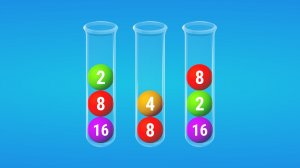
Clean design and smooth gameplay. Great for short breaks and strategic thinking.

Bright and simple puzzle game. Smooth aiming mechanics make it perfect for quick play sessions.

Simple yet engaging daily puzzles. Great for sharpening focus during short breaks.
Bright puzzles with smooth controls. Great for quick mental exercise and family fun.
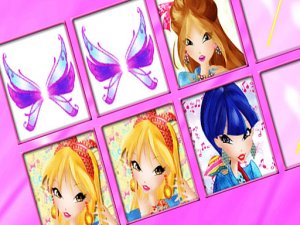
Bright, simple memory game with Winx characters. Safe for kids and fun for all ages.

A relaxing hidden object game with clear visuals and a fair timer. Great for quick brain breaks.
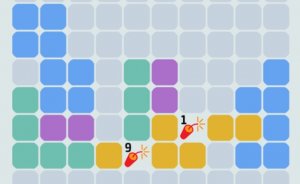
Clean design and smooth gameplay. Great for short breaks.
Clean design and smooth gameplay. Great for short breaks.