
Style Match Creative Outfit Designer
Opens in a play window — no download required.
Reviews
Style Match Creative Outfit Designer offers a calm, pressure-free space for fashion experimentation. The dual-theme system provides clear creative direction while still allowing for hybrid combinations. Makeup customization adds a nice finishing touch that many similar games skip. The browser-based design makes it easy to jump into a quick session without any setup. It is a solid choice for anyone who enjoys character styling without competitive elements.
Description
Two Theme Directions
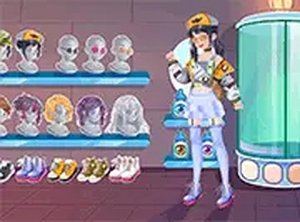
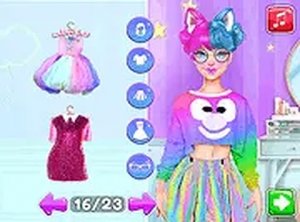
Players begin by selecting a visual direction for each character. One path leans toward a sleek, metallic look with sharp lines and neon highlights. The other embraces soft, candy-inspired tones with rounded shapes and pastel colors. Each theme offers its own set of clothing pieces, hairstyles, and accessories that match the overall mood. This dual-theme structure encourages players to think about color coordination and style consistency.
Preparation and Relaxation
Before entering the wardrobe, each character receives a calming treatment. This step sets a relaxed pace and lets players focus on the creative process without rushing. The spa segment includes simple choices that affect the character's base appearance, such as skin tone or facial features. It serves as a gentle warm-up for the more detailed styling decisions ahead.
Wardrobe and Makeup Customization
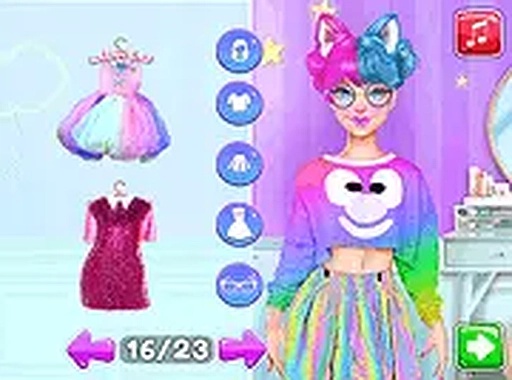
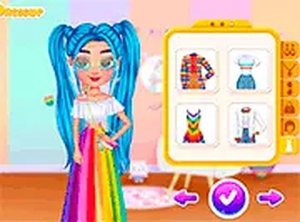
The dressing room contains a variety of tops, bottoms, dresses, shoes, and headwear. Players can mix and match items from both theme categories to create hybrid looks. After selecting the outfit, a makeup station allows for fine-tuning eye color, lip shade, and blush. This layer of detail gives each character a finished, polished appearance.
Final Comparison and Decision
Once both characters are fully styled, they appear side by side on a display screen. Players review each look and choose which one best represents the selected theme. This moment of comparison highlights the differences between the two approaches and lets players appreciate their own creative choices. There is no timer or score, so the focus stays on personal preference.
Browser Accessibility and Controls
The game runs directly in web browsers on both desktop computers and mobile devices. No downloads or installations are needed. Controls are designed for simple clicking or tapping, making the experience accessible to players of all ages. Each session can be completed in a few minutes, which suits short breaks or longer creative sessions.




Comments
Sign in to leave a note
You must be logged in before posting a review or rating.
No account? Create one
No comments yet. Be the first to comment!